
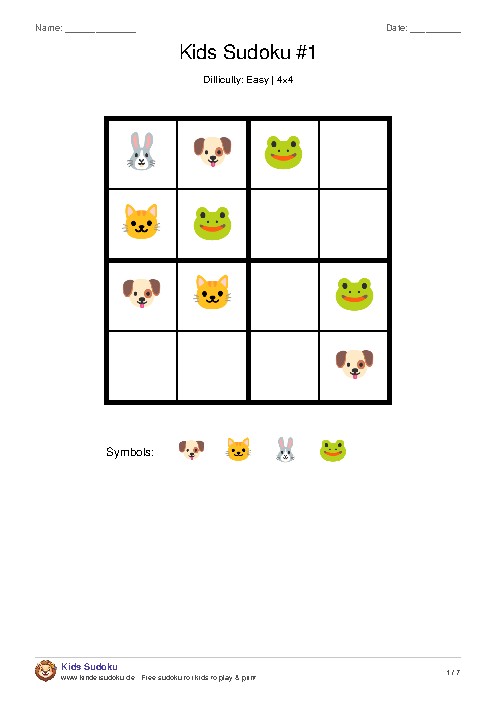
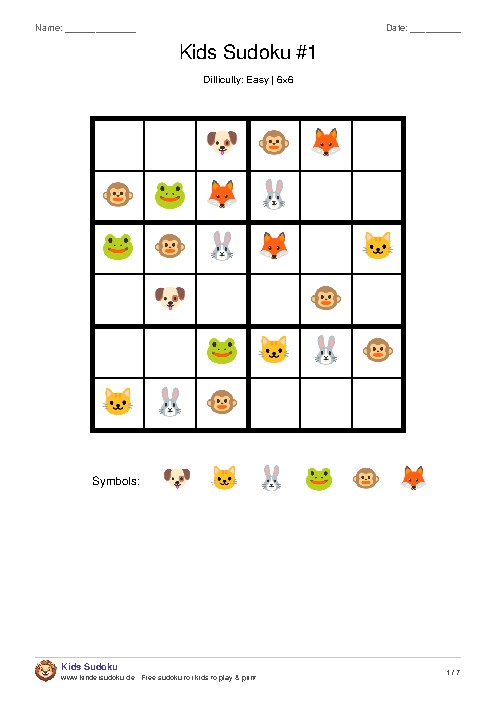
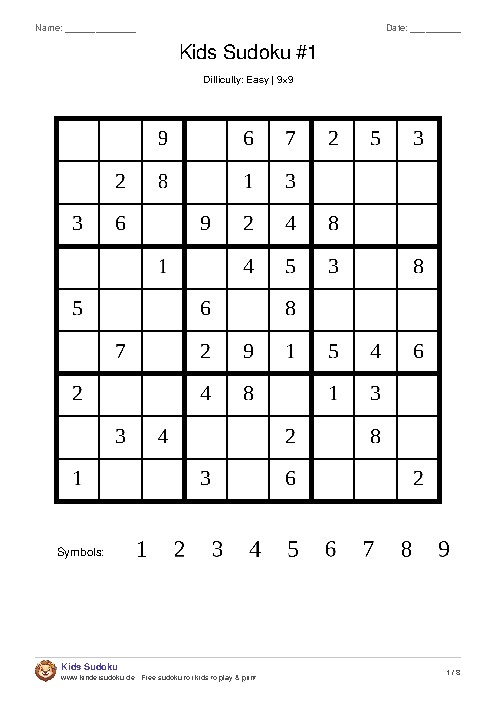
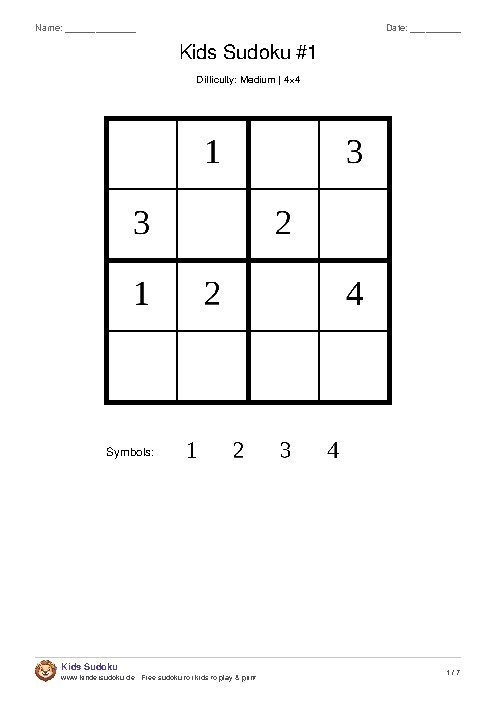
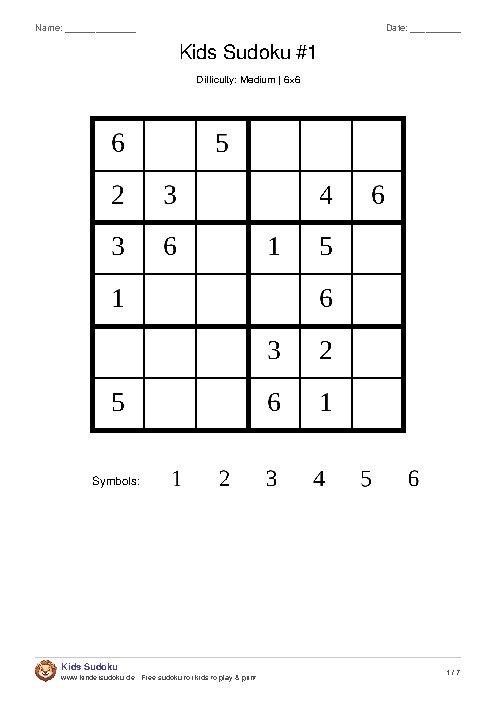
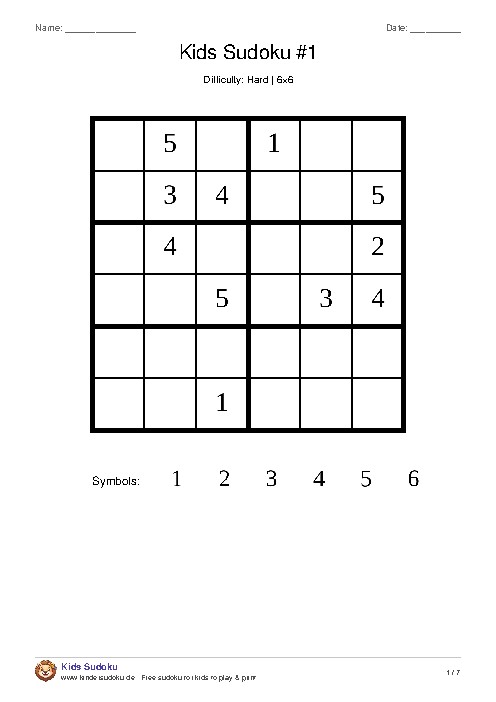
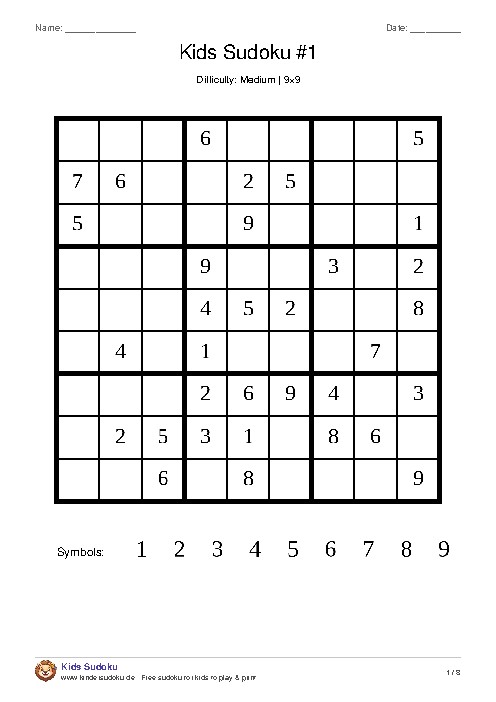
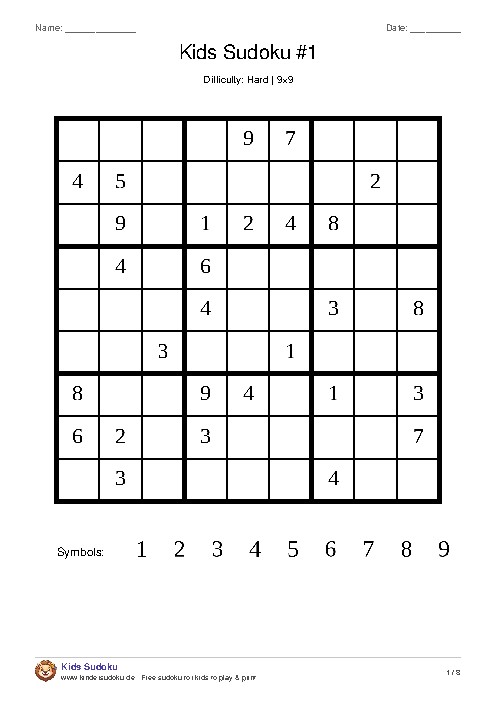
How the answer pages work
- Separate answer page at the end: each puzzle is on its own A4 page, and all the answers follow together at the end – on one page for six puzzles, on two for the 9×9.
- Matching numbers: puzzle #3 goes with answer #3, so the right grid is easy to find.
- Given squares shaded: in the answers, the squares that were filled in from the start are gray and the solved ones white. You can see at a glance which squares to check.
- Easy to remove: because the answers are on separate pages, you can leave them out before handing the sheets out.
Check it yourself instead of peeking
The answer page is most useful after solving. A few ideas for using it well:
- Finish first, then compare – square by square, row by row.
- Find the mistake yourself: if a square is wrong, check its whole row, column and box again. There is often a second mistake nearby.
- Take just one hint: if stuck, look up a single square in the answers and carry on alone.
In the classroom, the answer sheet works well at a self-checking station or for early finishers.
Your own sheets, with or without answers
Below the game, “Print” creates your own PDF with up to 20 new puzzles – in any size, difficulty and symbol set. The “With answer page” box is ticked already; untick it and the PDF contains only the puzzles. Online there is no answer page: there, “Check” tells you whether everything is right or how many squares are still empty.
Every puzzle has exactly one solution
All sudokus on kindersudoku.de are generated so that there is exactly one correct solution: the generator checks every puzzle before it is used. So you can always compare with the answer page – there is no “different but also correct” solution.
Frequently asked questions
Where are the answers?
At the end of the PDF on a separate answer page – on several pages for many or large puzzles. The answer numbers match the puzzle numbers.
Can I print the puzzles without the answers?
Yes. Just don’t print the answer page, or untick “With answer page” when creating your own PDF.
Do all worksheets include answers?
Yes. All ready-made PDFs on kindersudoku.de – including the seasonal ones – have an answer page.
Last updated: